
Working with RowsUsing the rows attribute, you can create rows in the same way you create columns. Example 6-6 defines a frame page with two rows, the top being 25% of the available space and the bottom being dynamically sized to the browser space. Example 6-6. Frame page with two rows<frameset rows="25%, *"> <frame src="lightgray.html" /> <frame src="darkgray.html" /> </frameset> Figure 6-4 shows the resulting rows. Figure 6-4. Rows in a frame page.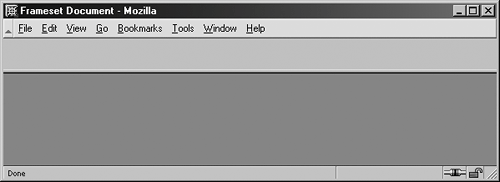 NOTE By now, you are aware that the order of the frame pages must correspond with the columns and rows. Whichever comes first in the stack correlates to the first value for the cols or rows attributes. As with columns, you can have as many rows as you like, and you can mix and match the value types, too. NOTE Want to have some fun with frames? Built back in 1996 (which shows you just how long ago frame-based sites were aroundand also how long ago we pretty much stopped using them for most professional websites), the Crazy Netscape Navigator Frame Tricks Page is a source of real amusement. Give it a try, at http://www.geocities.com/Athens/3024/neatframes.htm. |